


Description
WorkNC Viewer
Whether CNC programming is carried out in the workshop or by a separate programming department, it can always be advantageous for the workshop to be able to load CAM data.
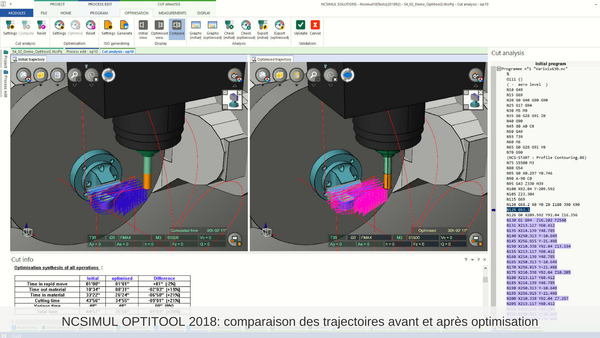
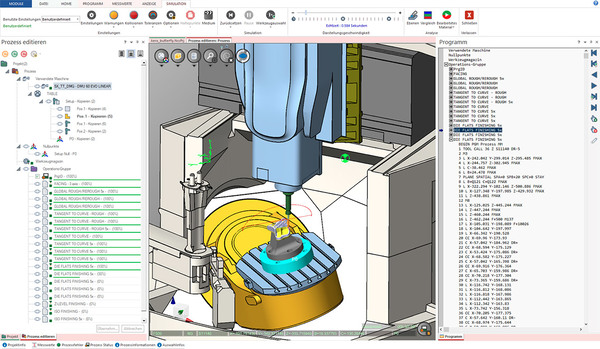
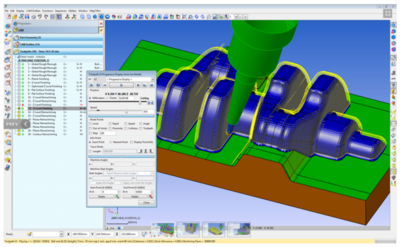
WorkNC Viewer allows operators to load, analyse and simulate toolpaths before running them on the machine. They can post-process for their machine, but they cannot modify a toolpath. This provides more information than printed documentation and reduces subsequent interruptions.
Feature overview
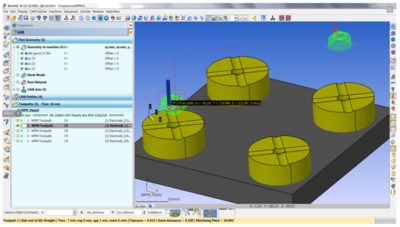
Display and simulation of toolpaths
Display of the stock model status before and after each operation
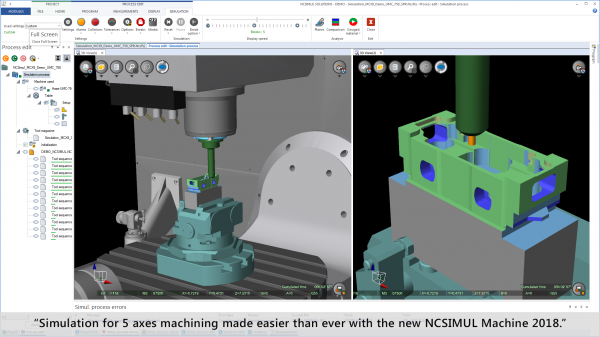
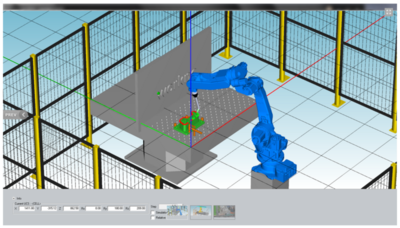
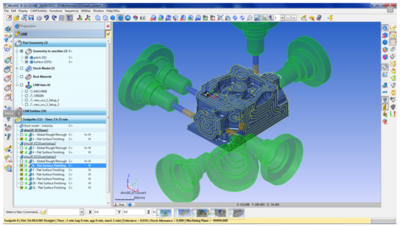
Machine simulation and collision detection
Toolpath post-processing
No printing required
No need for a full WorkNC licence.
WorkNC is the ideal tool if you do not program directly at the machine. This low-cost, high-value product lets you open WorkNC CAM files for viewing, analysis, simulation, verification and post-processing without needing a full WorkNC licence. Operators can load a WorkNC workspace and check the part or toolpaths without interrupting a programmer or stopping their current work.
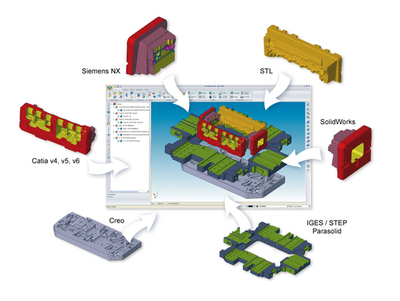
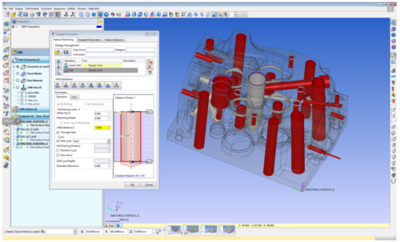
WorkNC Viewer is the perfect complement to programming with WorkNC. Users can analyse CAD data for features such as radii, draft angles and undercuts, and produce section cuts. They can check the finishing state of the part.
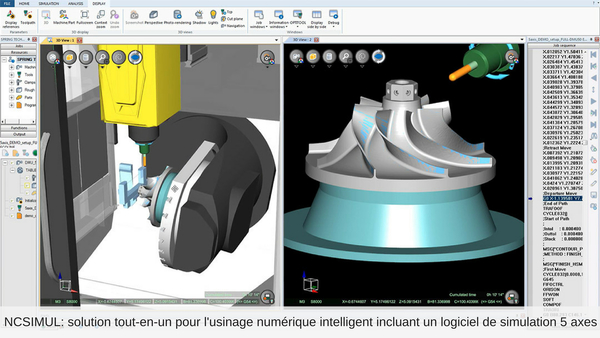
In addition to analysing the CAD model, users can simulate toolpaths. Users can check the stock status at each machining step to see the remaining material. They can verify grooves, hole positions and other features. WorkNC Viewer also works with 3+2 axis and 5 axis toolpaths, allowing double-checking of the machine's rotation angles.
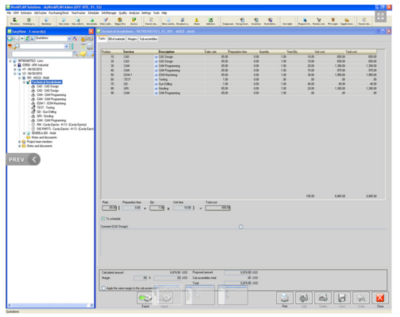
Avoid wasting paper with WorkNC Viewer. Obtain your project documentation without needing to print it. Review all programmed speeds, spindle rotation, tool lengths, tool holders and much more before sending the part to machining.
Once the machine is selected, WorkNC Viewer can post-process the toolpath for it. This allows the programming department to move the project forward and carry out machining as soon as the machine is available. This helps avoid scheduling irregularities that occur in a fast-changing environment, and promotes workshop flexibility by reducing unplanned downtime. It also optimises machine utilisation: you can rough a part on one machine, finish it on a second and use a third for 5 axis machining.
Whether CNC programming is carried out in the workshop or by a separate programming department, it can always be advantageous for the workshop to be able to load CAM data.
WorkNC Viewer allows operators to load, analyse and simulate toolpaths before running them on the machine. They can post-process for their machine, but they cannot modify a toolpath. This provides more information than printed documentation and reduces subsequent interruptions.
Feature overview
Display and simulation of toolpaths
Display of the stock model status before and after each operation
Machine simulation and collision detection
Toolpath post-processing
No printing required
No need for a full WorkNC licence.
WorkNC is the ideal tool if you do not program directly at the machine. This low-cost, high-value product lets you open WorkNC CAM files for viewing, analysis, simulation, verification and post-processing without needing a full WorkNC licence. Operators can load a WorkNC workspace and check the part or toolpaths without interrupting a programmer or stopping their current work.
WorkNC Viewer is the perfect complement to programming with WorkNC. Users can analyse CAD data for features such as radii, draft angles and undercuts, and produce section cuts. They can check the finishing state of the part.
In addition to analysing the CAD model, users can simulate toolpaths. Users can check the stock status at each machining step to see the remaining material. They can verify grooves, hole positions and other features. WorkNC Viewer also works with 3+2 axis and 5 axis toolpaths, allowing double-checking of the machine's rotation angles.
Avoid wasting paper with WorkNC Viewer. Obtain your project documentation without needing to print it. Review all programmed speeds, spindle rotation, tool lengths, tool holders and much more before sending the part to machining.
Once the machine is selected, WorkNC Viewer can post-process the toolpath for it. This allows the programming department to move the project forward and carry out machining as soon as the machine is available. This helps avoid scheduling irregularities that occur in a fast-changing environment, and promotes workshop flexibility by reducing unplanned downtime. It also optimises machine utilisation: you can rough a part on one machine, finish it on a second and use a third for 5 axis machining.
Technical specifications
| Category | Robotics, Automation, Industrial IT |
|---|---|
| Subcategory | Industrial software |